Clickhouse
Clickhouse is an open-source column-oriented DBMS (columnar database management system) for online analytical processing (OLAP) that allows users to generate analytical reports using SQL queries in real-time.
Setting up Clickhouse
The fastest way to set up Clickhouse for testing is to use a docker container:
docker run \
	-p 9000:9000 \
	--name some-clickhouse-server \
	--ulimit nofile=262144:262144 \
	-e CLICKHOUSE_USER=user \
	-e CLICKHOUSE_PASSWORD=pass \
	clickhouse/clickhouse-server
Setting up the FlowG pipeline
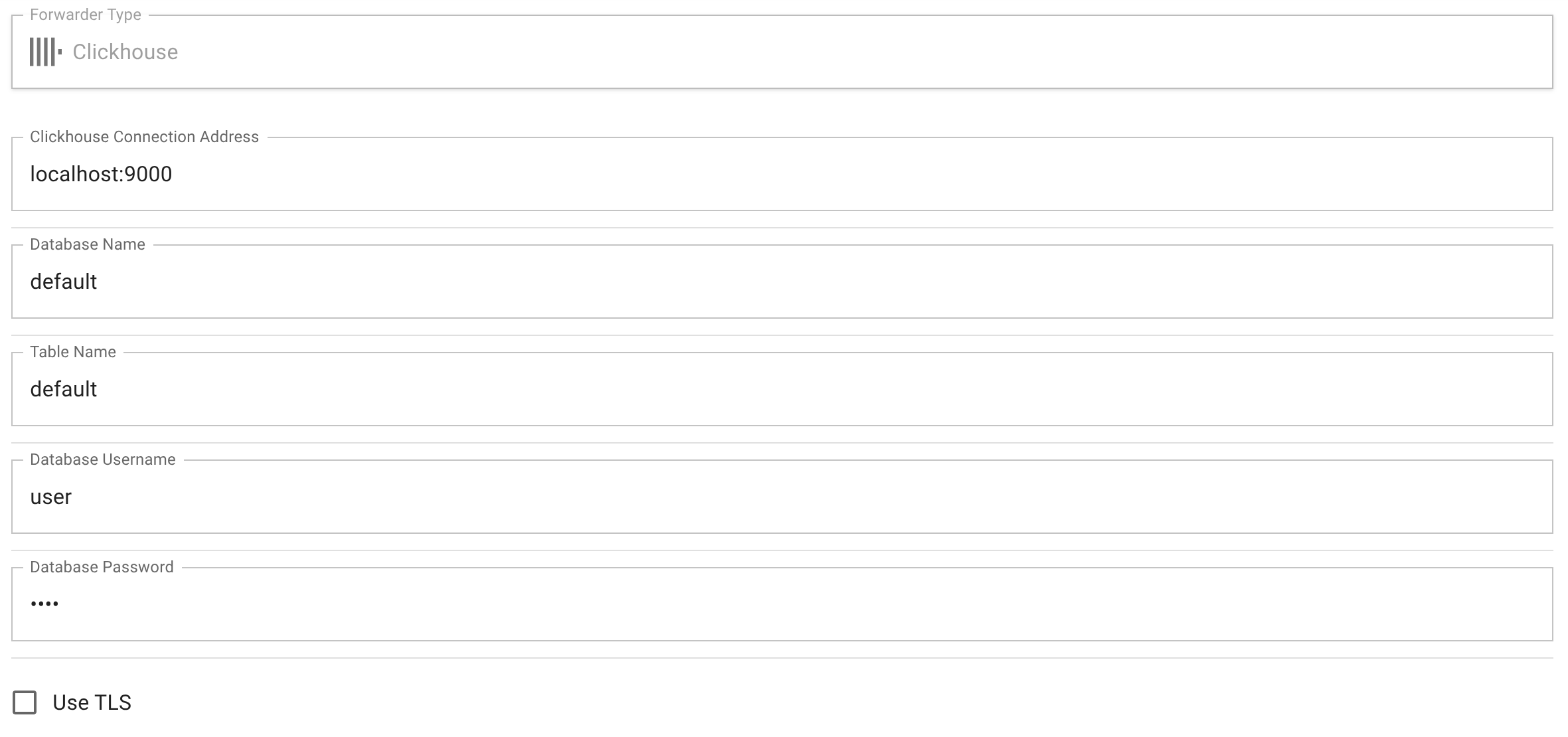
First, let's create a "Clickhouse Forwarder" named clickhouse, with the
following configuration:
| Property | Value | Comment |
|---|---|---|
| Clickhouse connection address | localhost:9000 | The Clickhouse client endpoint |
| Database name | default | The default database created in the container |
| Table name | default | The table name to use for the logs |
| Database username | user | The name of the user specified in the command |
| Database password | pass | The password of the user specified in the command |
| Use TLS | unchecked | The container doesn't set up TLS, so, for testing, we disable it |
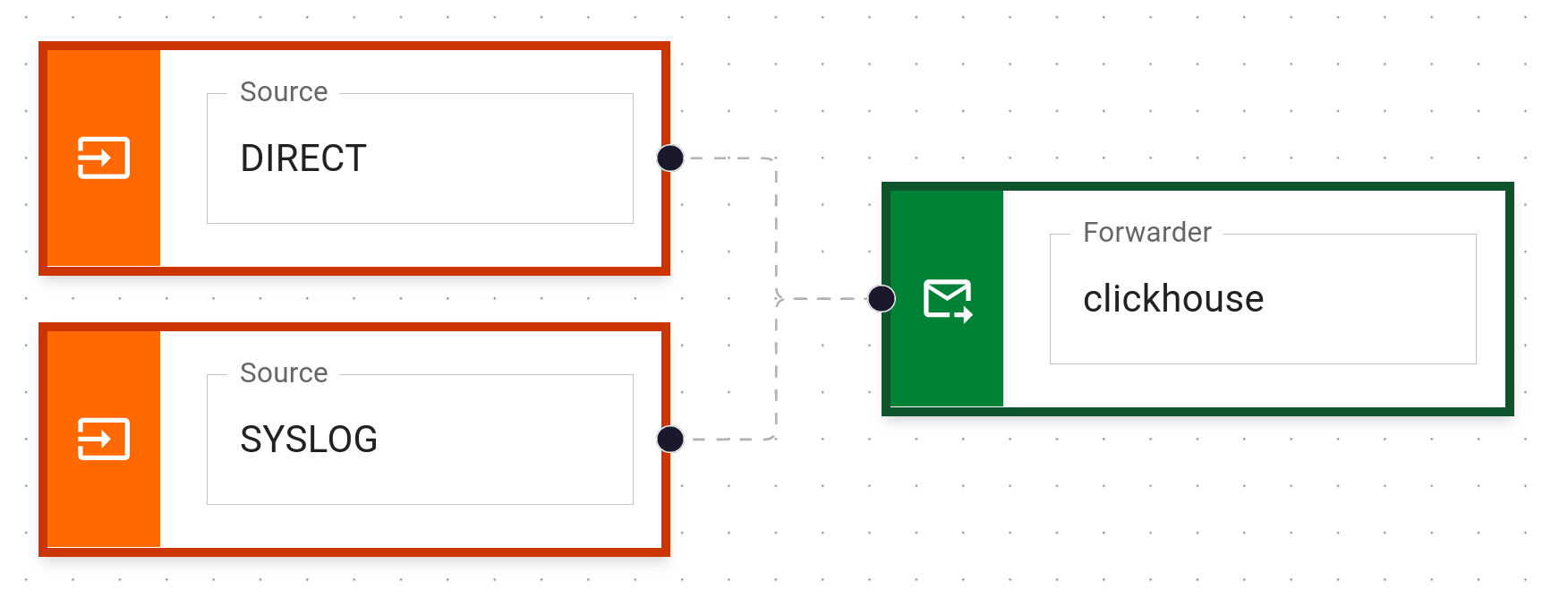
Then, create a pipeline that forwards logs to the clickhouse forwarder:
And that's it!
Testing
You can test the setup by sending a log to the pipeline using the logger command:
logger -n localhost -P 5514 -t my-app 'hello world'
The log will be forwarded to your Clickhouse instance and stored in the specified table.
To query the clickhouse instance for the logs, run the following command:
docker exec some-clickhouse-server clickhouse-client 'select * from default order by timestamp;'
Data model in Clickhouse
Table schema:
CREATE TABLE IF NOT EXISTS tablename (
	id         UUID                 NOT NULL PRIMARY KEY,
	timestamp  DateTime64(3, 'UTC') NOT NULL,
	fields     Map(String, String)  NOT NULL,
) ENGINE = MergeTree